
Uncategorized
Planning a Group Order of Custom Iowa State Cyclones Jerseys
Oct
The easiest way to run a group order of custom Iowa State Cyclones jerseys is to collect every person’s name text, number, color and size in one shared sheet before anyone opens a product page, then place each order straight from that sheet. A single source of truth keeps eight or twelve people from sending eight or twelve slightly different versions of the same request, and it gives the organizer one place to check before money changes hands.
Below is a planning routine that works for a family reunion, a fantasy league, a booster club or a group of coworkers who want to show up to a watch party looking like one crew.
Step 1: Decide what the group is matching
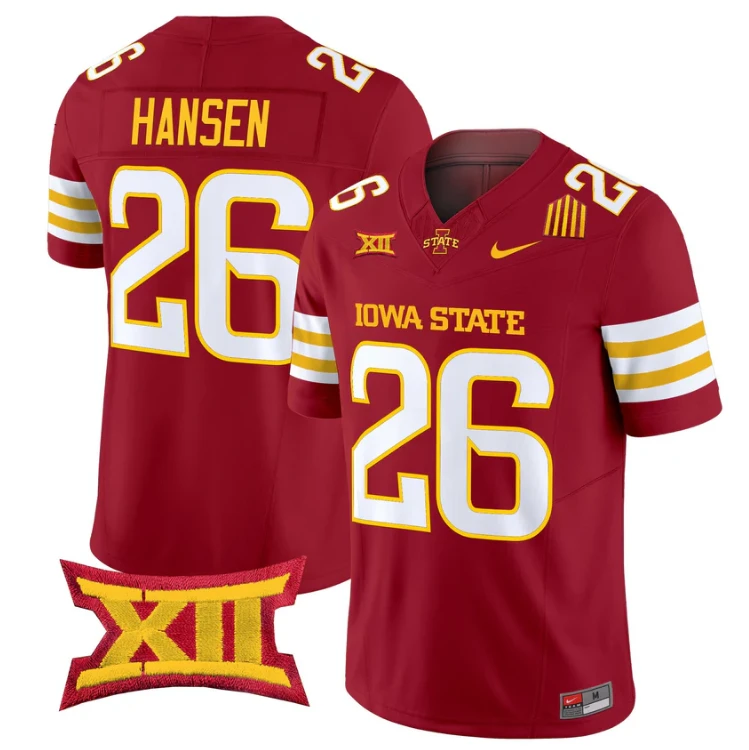
Before you collect a single name, agree on the base jersey. Browse the Iowa State Cyclones jersey category together and pick one design so the photos at the event look intentional. For personalized backs, the category has two custom listings: a Custom Iowa State Cyclones Name and Number Throwback Cardinal and a Custom Iowa State Cyclones Name and Number Alternate Black. Those are the ones where each person’s own name and number go on the back.
Some groups mix personalized and ready-made pieces. A grandparent who does not want their name on a shirt, or a guest who joins late, can wear a pre-lettered option instead. the ready-made Clone Gang #515 jersey in White is a handy fallback because it carries a team-style word rather than a player name, so it fits in with a crew of custom backs. The same Clone Gang #515 listing also comes in Cardinal, Cardinal Alter, Black and Black Alter versions.
Step 2: Build the collection sheet
Use a spreadsheet, a shared note or a simple form. Give it one row per person and these columns:
- Person: who the jersey is for (so you can follow up).
- Listing: which custom or ready-made listing they want.
- Color: written exactly as the product page shows it.
- Back text: the letters for the name line, typed in capitals.
- Number: digits only, no symbols.
- Size and gender option: copied from the choices on the product page.
- Confirmed: a yes once that person has read their row back.
Lock the sheet so only the organizer can edit it after the deadline. People change their minds; a locked sheet keeps a late edit from slipping in after you have already ordered.
Step 3: Set two deadlines, not one
Group orders stall when the deadline is vague. Give people a collection deadline for their row and a separate, earlier confirmation deadline when everyone checks their own spelling. Send one reminder halfway through. Anyone who misses the cutoff gets the ready-made option or waits for a second round, which is much easier than holding up the whole crew.
Step 4: Handle numbers and duplicates
Decide early whether duplicates are allowed. Some families want everyone in the same number; some clubs want every number unique so people are easy to spot in photos. Either is fine, but say which rule applies in the first message. If numbers must be unique, sort the sheet by the number column before the deadline and contact anyone who collides.
A few practical habits help:
- Ask for first, second and third choice numbers up front.
- Write numbers as plain digits so 7 never becomes 17 by accident.
- Note any number that carries meaning for the person, so you do not “fix” it later.
Step 5: Collect sizes without guessing
Never size someone else from memory. Ask each person to pick from the size choices on the product page themselves and to say whether they plan to wear a hoodie underneath. For kids, ask a parent to choose. If two people in a household cannot decide, they can lay a shirt they already like flat and compare it against the product page details before committing.
Step 6: Place the orders from the sheet
When it is time to order, copy each value directly from the sheet rather than retyping it. There was no custom instruction captured for these listings, so follow the instructions on the product page for where and how to enter the name and number. Tick each row as you finish it, and save a screenshot of the cart or confirmation next to that row.
Step 7: Close the loop
Once orders are placed, send the group one message with their row exactly as submitted. When the jerseys arrive, hand each one over with a quick reminder to follow the care label before the first wash. A little paperwork at the start means the whole crew spends game day talking about the Cyclones instead of a misspelled surname.
